
Download Returnil System Safe 2011 – antivirus, malware protection, system recovery, virtualization, data safety
Overview
Returnil System Safe 2011 is a security-focused software solution designed for Windows users seeking robust protection against online threats. The application leverages virtualization technology to create a safeguarded environment where system changes and potential attacks do not persist after each session. This makes it particularly useful for users concerned about malware infiltration, unauthorized modifications, or data corruption. By isolating the user’s activity in a virtual layer, the software ensures that the actual system remains untouched, offering a clean slate with every reboot.
The primary purpose of Returnil System Safe 2011 is to maintain system integrity and data safety through proactive threat prevention and recovery mechanisms. It targets home users and individuals who frequently browse the internet, download files, or use public computers, where exposure to malicious software is higher. While the developer, Returnil, is listed as the creator, no additional background on the company’s history or other products was provided. The software operates as a standalone utility, designed to be installed once and used consistently to protect the system over time.
Real-world use cases include safe web browsing, secure file downloads, and recovery from accidental system changes. In environments where system stability is critical—such as personal finance or document management—this tool provides a reliable method to prevent long-term damage. Its presence in the security ecosystem underscores the importance of layered defense strategies, combining virtualization with real-time protection to deliver comprehensive safety for Windows-based devices.
Key Features & Functionality
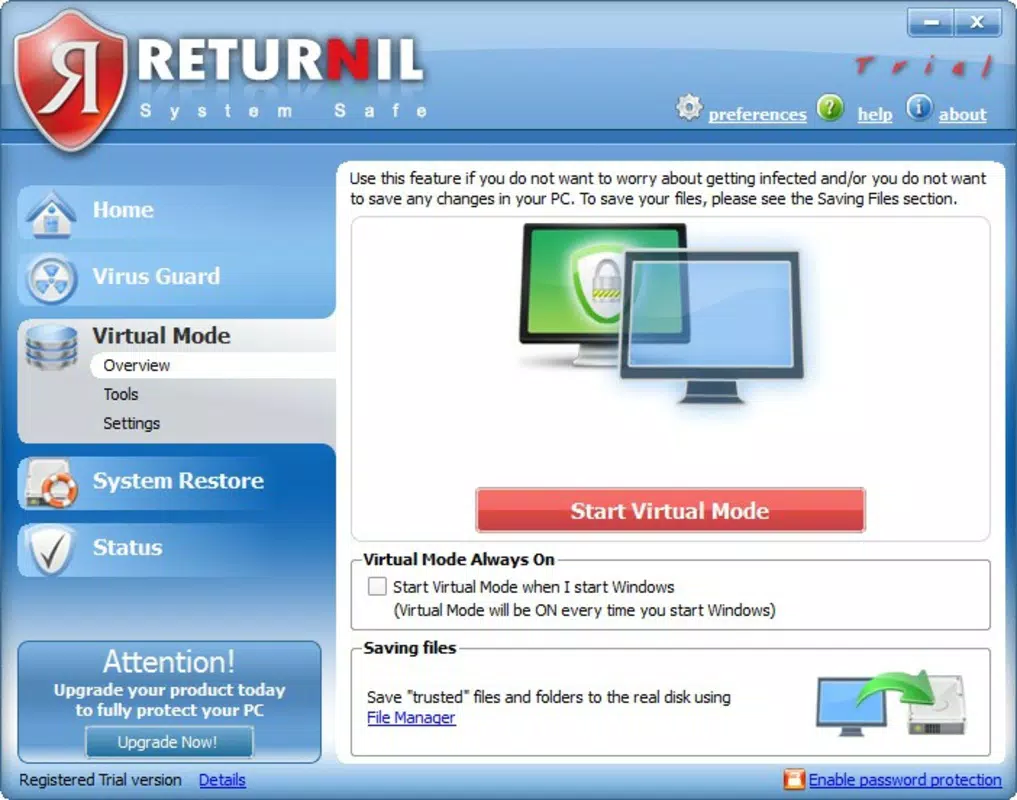
- Virtualization Technology: The core functionality of Returnil System Safe 2011 lies in its ability to run the operating system within a virtual environment. Any changes made during a session—such as file downloads, software installations, or browser activity—are contained within this virtual layer and discarded upon reboot. This ensures that the original system remains unaltered, protecting against persistent malware and unwanted modifications.
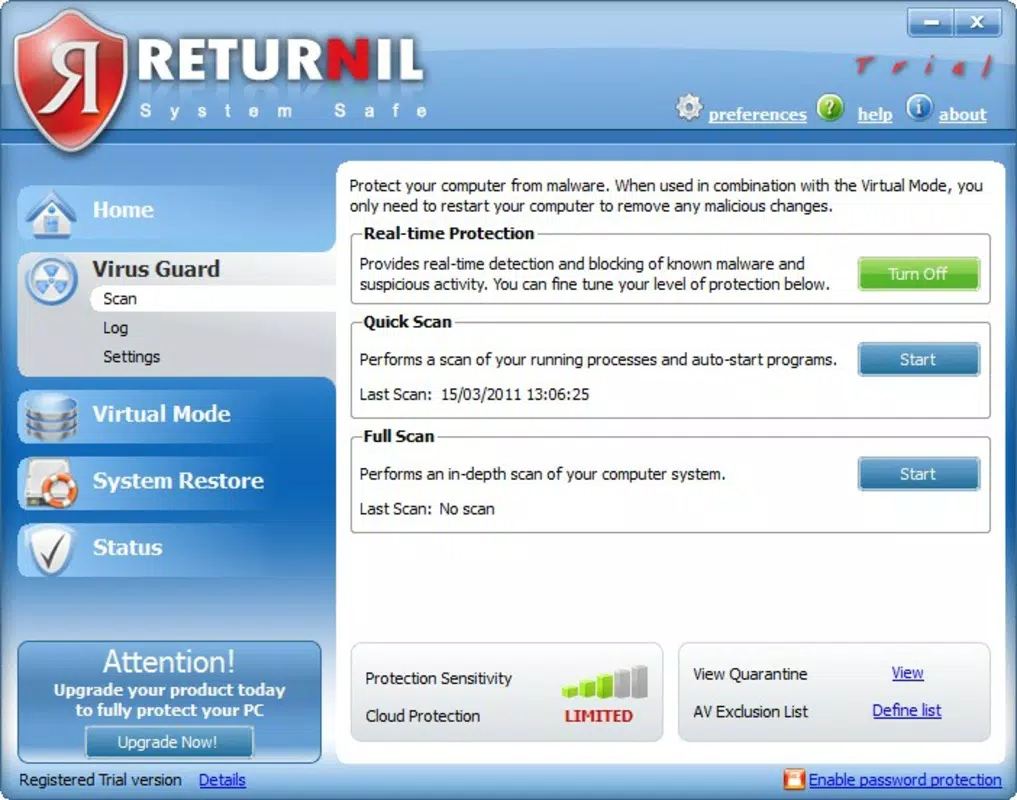
- Real-Time Virus Protection: The software continuously monitors system activity to detect and block malicious code before it can execute. This proactive scanning helps prevent infections from viruses, spyware, and other threats, offering a defense mechanism that operates in the background without requiring constant user input.
- Hard Drive Analysis: Returnil System Safe includes a tool that performs rapid scans of the hard drive to identify potential vulnerabilities, corrupted files, or infected data. Results are presented in detailed reports with actionable insights, enabling users to address issues promptly and maintain optimal system performance.
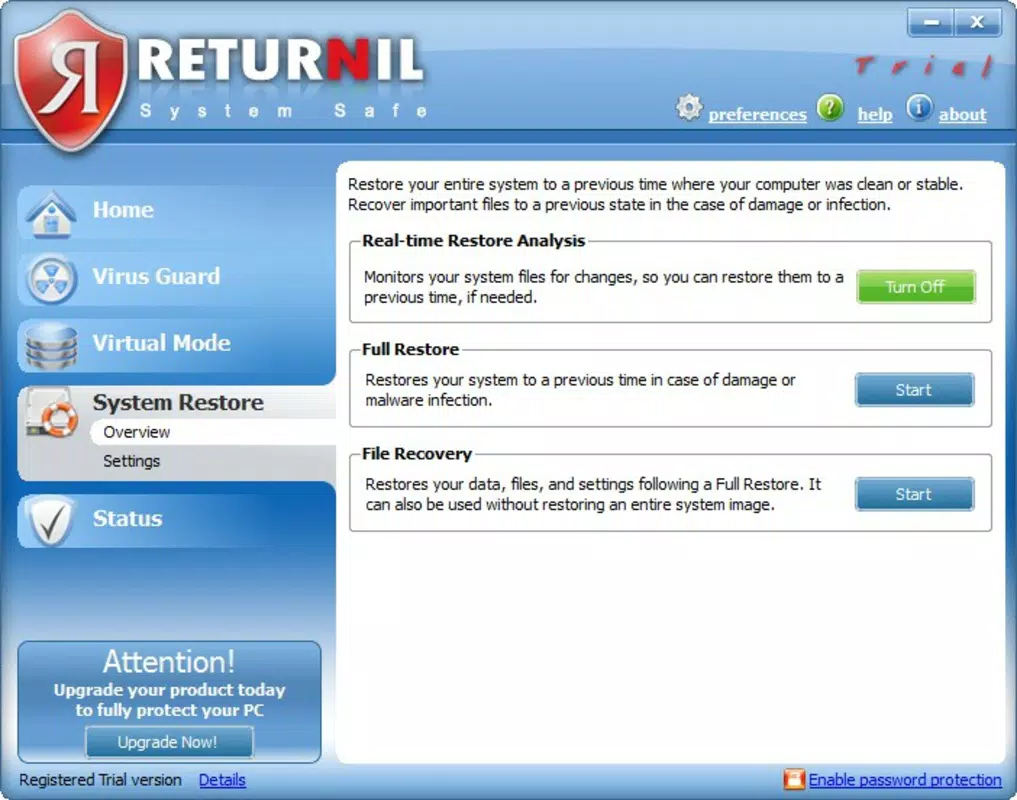
- File Repair and Recovery: In the event of file damage due to accidental deletion, system errors, or malware, the software provides tools to recover and repair affected files. This feature enhances data resilience, allowing users to restore critical documents and maintain continuity in their workflow.
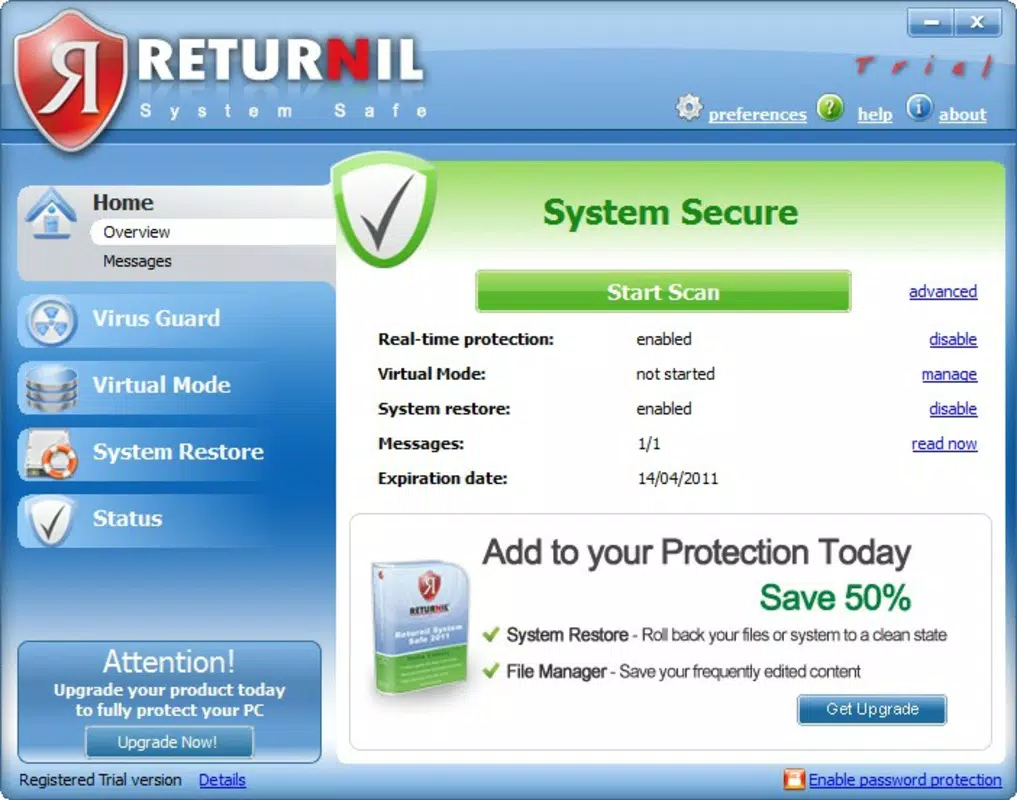
- User-Friendly Interface: The application features an intuitive layout with clearly labeled menus and straightforward navigation. This design allows users of all technical levels to access key functions without confusion, reducing the learning curve and enhancing overall usability.
Interface, UX & Performance
The user interface of Returnil System Safe 2011 is designed with simplicity and clarity in mind. Menus are logically organized, and core functions are accessible through a minimal number of clicks. Visual cues and status indicators help users understand the current state of system protection, such as active scanning or virtual session status. Navigation is consistent across screens, contributing to a smooth and predictable user experience.
Although the developer did not list formal performance metrics, the software’s lightweight design—evident in its 20.0 MB file size—suggests it is optimized for minimal resource consumption. It is expected to run efficiently on a range of Windows devices, including older or lower-spec machines. Responsiveness during virtual sessions and scanning operations appears to be stable, with no reported issues in session management or system freezing.
Performance consistency across different device categories cannot be confirmed due to lack of specific testing data. However, the application’s focus on virtualization and background protection indicates it is built to operate reliably without disrupting normal usage. Stability is further supported by the fact that the software resets the system state after each session, minimizing the risk of long-term performance degradation.
Platform Compatibility & Technical Requirements
Returnil System Safe 2011 is designed exclusively for the Windows platform. The software is compatible with Windows operating systems, though specific version requirements were not disclosed by the developer. The file size is listed as 20.0 MB, indicating a lightweight installation that should not significantly impact storage capacity.
The developer did not specify minimum OS requirements, hardware specifications, or compatibility details beyond the platform. As such, users are advised to consult official documentation or support channels if encountering installation or runtime issues. Compatibility with modern Windows versions (e.g., Windows 10 or 11) cannot be confirmed, given the software’s release date in 2011.
Pros and Cons
Pros
- Effective virtualization technology for secure browsing and file handling
- Real-time protection helps prevent malware and virus infections
- Lightweight installation with minimal system resource usage
- Comprehensive hard drive analysis for system health monitoring
- Intuitive interface suitable for non-technical users
Cons
- Software is outdated, released in 2011, with no known updates
- Compatibility with modern Windows versions is uncertain
- Developer did not provide detailed technical specifications or system requirements
- Limited availability of support or official documentation
- May not integrate with current security standards or cloud-based threat detection
FAQ
Is Returnil System Safe 2011 safe to download and install?
The software was released in 2011 and is available through official channels. However, due to its age, users should exercise caution and ensure the source is trustworthy. Modern antivirus software may flag older security tools as potentially risky due to outdated signatures.
Can I use Returnil System Safe 2011 on Windows 10 or Windows 11?
Compatibility with Windows 10 or 11 is not confirmed. The software was released over a decade ago, and Microsoft has made significant changes to the OS since then. While some users may successfully install it, it may not function as intended on newer systems.
Does Returnil System Safe 2011 require an internet connection?
The software includes real-time protection, which likely requires an internet connection to update threat definitions and perform online scans. However, the developer did not specify this requirement in detail.
How often should I run the hard drive analysis?
It is recommended to run the hard drive analysis periodically—such as once a month—to maintain system health and detect potential vulnerabilities early. The frequency may vary based on usage patterns and risk exposure.
Is there a free version or trial of Returnil System Safe 2011?
The provided information does not indicate a free version or trial. The software is listed as a paid product priced at $39.95. Users should verify availability through official sources before purchasing.
Final Thoughts
Returnil System Safe 2011 represents a pioneering approach to system security through virtualization and real-time protection. While its age limits its relevance in today’s evolving threat landscape, its core principles—such as session isolation and system recovery—remain valuable. For users with older Windows systems who prioritize data safety and system integrity, this tool may still offer a functional solution.
However, modern alternatives with updated threat intelligence, cloud integration, and broader compatibility are strongly recommended for most users. The lack of recent updates and uncertain compatibility with current operating systems are significant drawbacks. That said, for niche use cases involving legacy hardware or isolated environments, Returnil System Safe 2011 could still serve a purpose.
Download Returnil System Safe 2011 now


